
Tapewaare

Sindre Ellefsen
Copenhagen Wolves
Fadenkreuz-Einstellungen
Zuletzt aktualisiert 7. Apr. 2026
Tapewaare's Crosshair
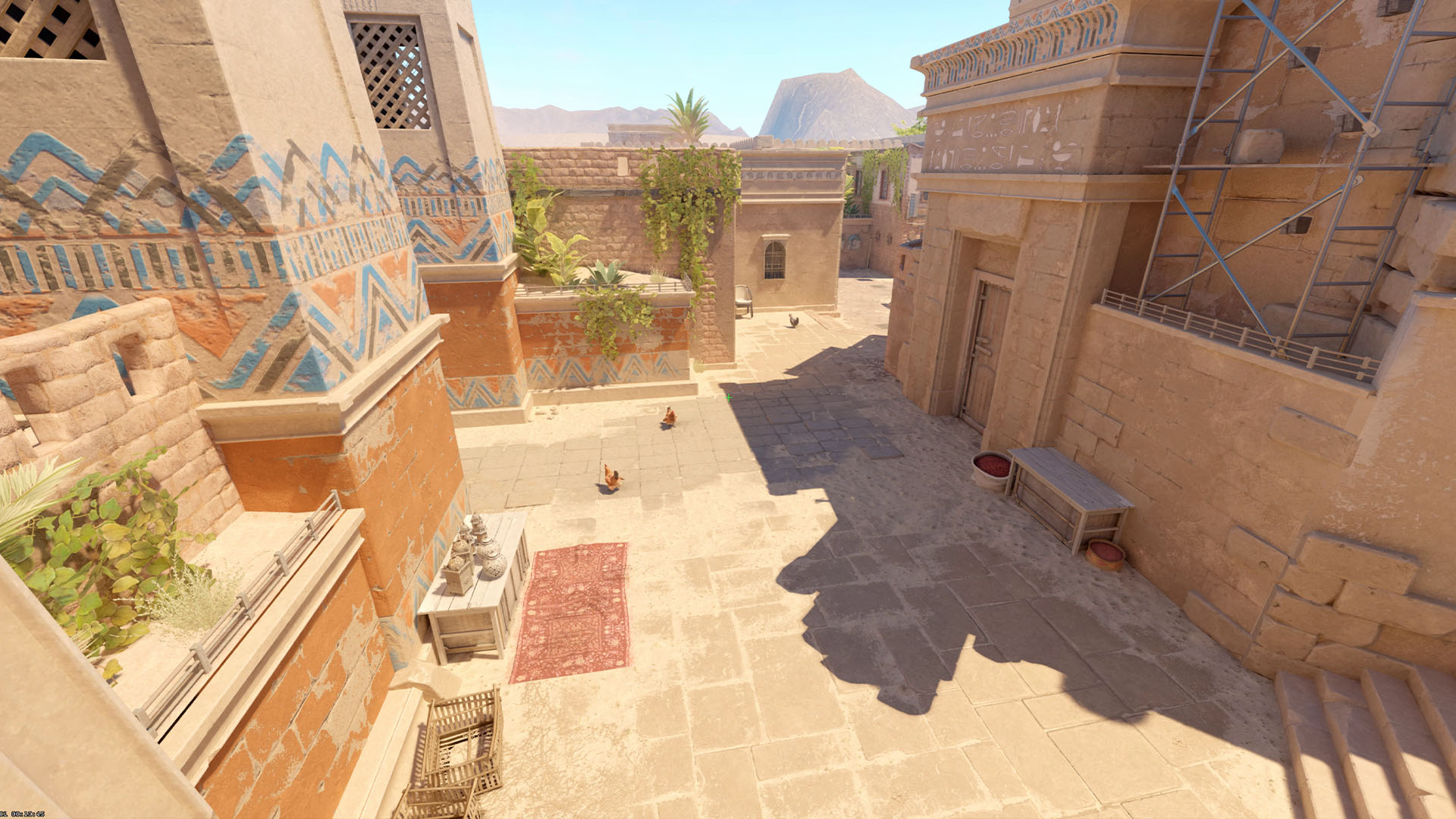
0
0 views
Share-Code
CSGO-Kscrt-SYS3d-rYsEX-sEDRb-mmbxJFadenkreuz-Einstellungen
Form
StilKlassisch statisch
Länge1
Dicke1
Lücke-5
Farbe
Farbe
rgb(4, 255, 170)
Alpha255
UmrissAus
Optionen
MittelpunktAus
T-StilAus
Rückstoß folgenAus
Waffen-AbstandAus
Share-Code
CSGO-Kscrt-SYS3d-rYsEX-sEDRb-mmbxJKonsolenbefehle
cl_crosshair_drawoutline "0";cl_crosshair_dynamic_maxdist_splitratio "0.4";cl_crosshair_dynamic_splitalpha_innermod "1";cl_crosshair_dynamic_splitalpha_outermod "0.5";cl_crosshair_dynamic_splitdist "7";cl_crosshair_outlinethickness "0";cl_crosshair_t "0";cl_crosshairalpha "255";cl_crosshaircolor "5";cl_crosshaircolor_b "170";cl_crosshaircolor_g "255";cl_crosshaircolor_r "4";cl_crosshairdot "0";cl_crosshairgap "-5";cl_crosshairgap_useweaponvalue "0";cl_crosshairsize "1";cl_crosshairstyle "4";cl_crosshairthickness "1";cl_crosshairusealpha "1";cl_fixedcrosshairgap "-5";cl_crosshair_recoil "0";

Ausrüstungs-Setup
Affiliate-Links — wir erhalten möglicherweise eine kleine Provision ohne Mehrkosten für Sie.